Shad0wS
Find the notes hiding inside a sound and build new harmonic shadows around them. Go subtle, wide, or downright unruly.
Follow the note. Shape its shadow.
Shad0wS uses several pitch-tracking paths to follow tonal material. The controls decide how those tracked notes become new harmonic layers and how much you hear.
Get Shad0wS on GumroadPay what you want · free · VST3 + Standalone · Windows + LinuxFour knobs. Four tracker characters. A drawer behind the badge.
SHADE, EVEN/ODD, NEAR/FAR and MIX sit on the front, with the TRACKER selector beside them. Click the <i0i> mark in the footer for the drawer — a live view of the harmonic shadows plus every deeper control. Right-click it (it turns gold) for a hidden band with tempo-synced tracking. The whole panel scales as one piece.
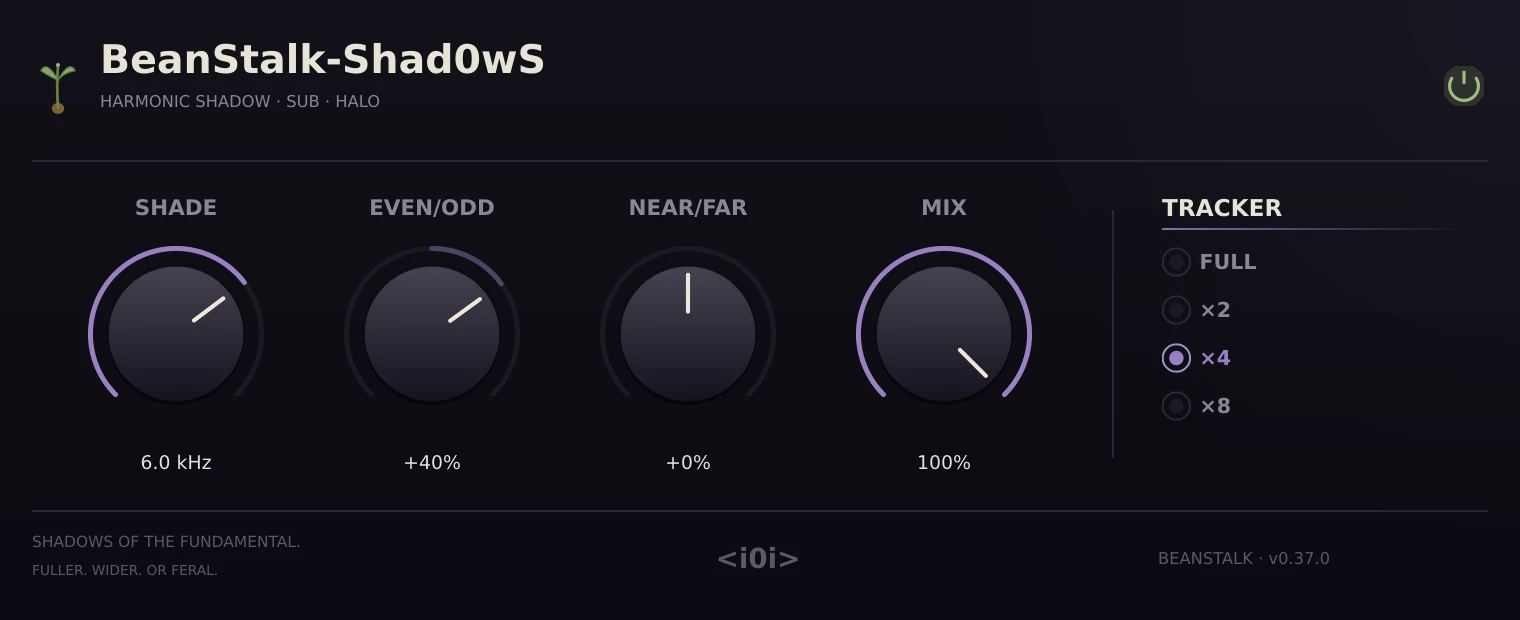
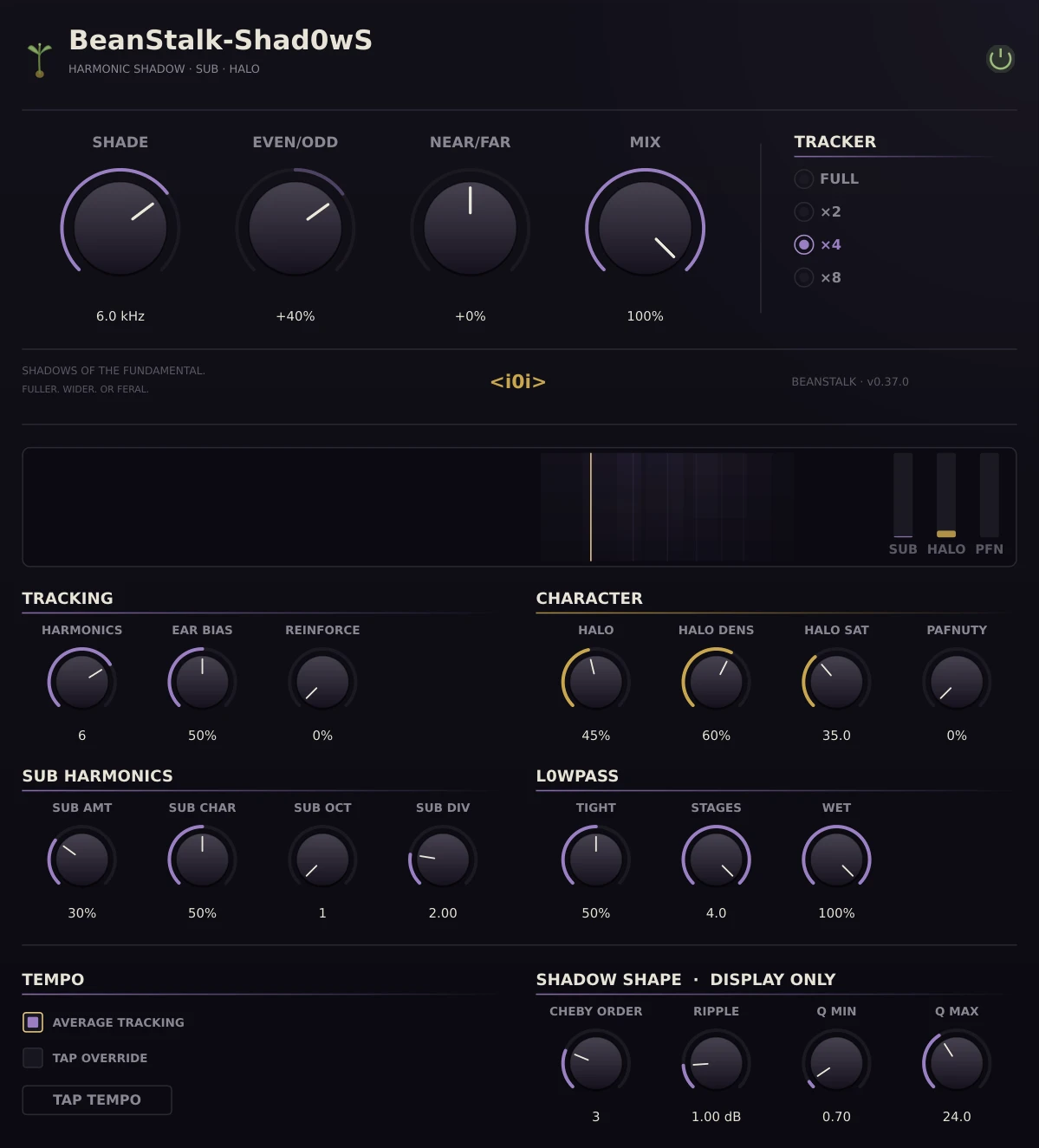
What each one does.
A few things to know before you download
Read this before you download.
Technical details and verified specs
Verified specifications.
Five trackers, one shadow.
Shad0wS doesn't wait for one dominant pitch to lock in — five independently-tracked bands each get to cast their own harmonic shadow, simultaneously. The TRACKER selector sets how often those five trackers listen.
DSP Lineage & Attribution: This plugin incorporates adapted DSP components from Airwindows (Chris Johnson, MIT licensed): Infrasonic, Ultrasonic, Density3, Spiral2, Pafnuty2, DubSub, and the Butterworth stage design used by its Infrasonic/Ultrasonic filters. The specific components and applicable notices are documented in the third-party notices included with the release. This does not imply endorsement by or affiliation with Airwindows.